
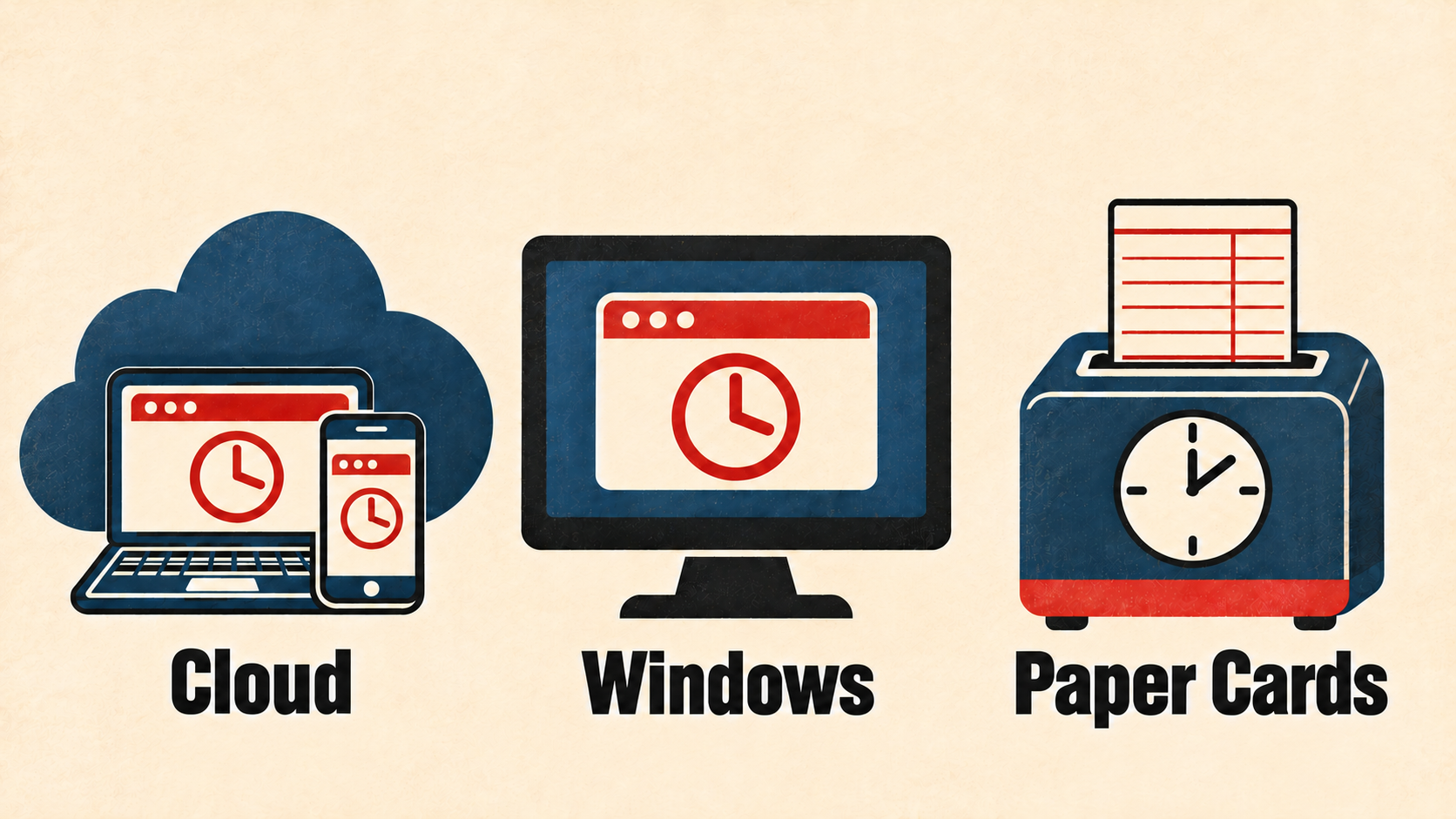
Start with where you want to review employee hours: on paper, on an office PC, or in a web browser. That choice determines whether you need software and an ongoing service plan.
Do all employee time clocks need a monthly subscription?
No. Amano offers paper time clocks and Time Guardian Windows software packages that do not require a monthly software subscription. Time Guardian Cloud is a separate hosted service with monthly plans.
Choose cloud when you need browser access
With Time Guardian NX, employees tap an assigned card or sticker tag at the clock. Managers review timecards in a browser throughout the pay period, without collecting paper cards first.
The NX clock kit is $249 and includes 60 days of Time Guardian Cloud service. A paid subscription is required afterward. For 1–9 employees and one connected clock, ongoing service is $30 per month: a $25 employee service plan plus $5 for the clock. Equipment, tax and shipping are separate from the service charge. See current plans and pricing.
NX uses Wi-Fi and AC power. It records punches using contactless cards or sticker tags, not fingerprints or facial recognition. A manager can review recent punch photos at the clock.
Choose a Windows package when you want software without a monthly software fee
A Time Guardian clock and Windows software package records employee punches at the clock and calculates hours on your PC. Packages include capacity for 100 employees. You manage the software on your computer; it is a different setup from Time Guardian Cloud.
Do not assume an existing terminal or database will transfer directly to the cloud. Give Amano your model number before changing systems. Support agreements and additional options are separate from the included software license.
Choose paper cards when you want to keep payroll on paper
The TCX-35 prints each punch on a timecard; you add up the hours. An MJR-PLUS calculating clock prints the punches and totals hours on the card. Neither requires a monthly service plan for those paper-card functions.
Which setup fits your workplace?
- Review hours in a browser: choose cloud and budget for ongoing service.
- Calculate hours on your office PC: choose a Windows software package.
- Keep physical timecards: choose basic recording or automatic hour totals.
Compare the four options with product photos, or ask Amano about your employees, existing clocks and payroll process.