
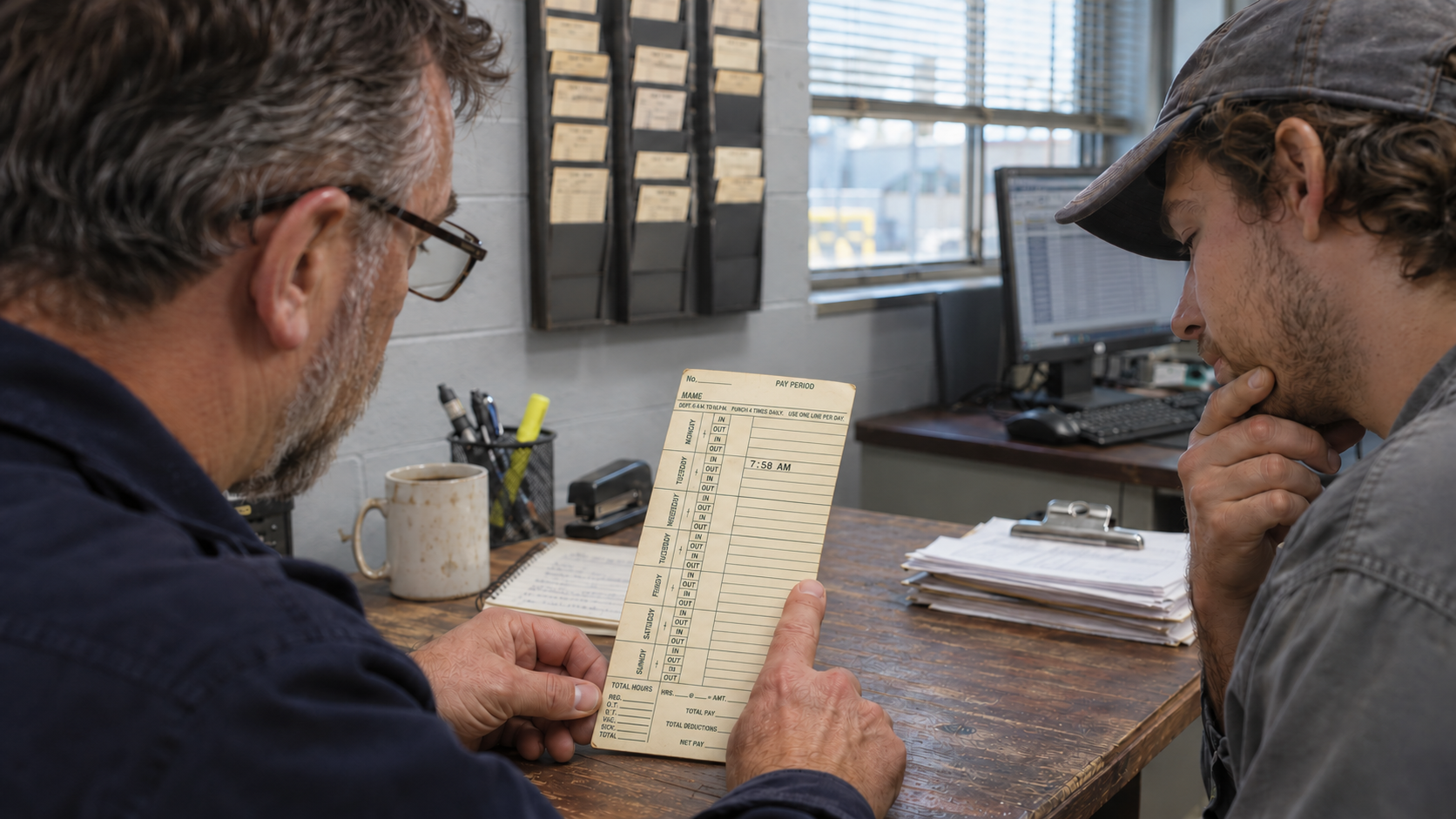
Tuesday’s shift started at 7:58 a.m. When did it end? Ask on Wednesday morning and the employee may remember staying late to unload a delivery. Ask at the end of the pay period and it’s harder to say which day the truck came in.
Each morning, check yesterday’s completed shifts for missed punches and follow up on any gaps still open from earlier in the pay period. Where you look depends on the Amano system you use.
Conventional time clocks
Start at the card rack. If you use a TCX-35 or another clock that prints punches on paper, look at Tuesday’s entries side by side. Does each completed shift have both an in and an out? If the out is blank, confirm the departure time with the employee and document the correction on the card using your usual procedure. The person adding up the hours now has both ends of the shift.
MJR-PLUS calculating time clocks
Read across the card. On Tuesday’s line, look at the IN and OUT columns before using the printed hours. MJR-PLUS calculates hours from punch pairs, and settings such as rounding and break deductions can affect the daily total. If Tuesday has an arrival but no recorded departure, confirm the actual departure time with the employee and document it for payroll.
See the sample MJR-PLUS timecard on manual page 1-4
Time Guardian
Hosted Time Guardian. Start on the Dashboard and check Punch Exception for missed punches. If an employee is missing a punch, open their timecard. Red dashes show where the punch belongs. Select that day’s row, choose + Add Punch, and enter the departure time you confirmed with the employee. Review the updated timecard.
Time Guardian for Windows. In the Timecard view, use the exception list filter to select Missing Punch (MP) and choose Current Pay period under Date Selection on the Date Range tab. For a morning review, select Excludes Today to focus on earlier days in the pay period. Employees with a matching exception are highlighted in yellow. Open a highlighted employee’s timecard to review the shift. If a departure time is missing, confirm it with the employee and check the corrected hours before preparing payroll.